
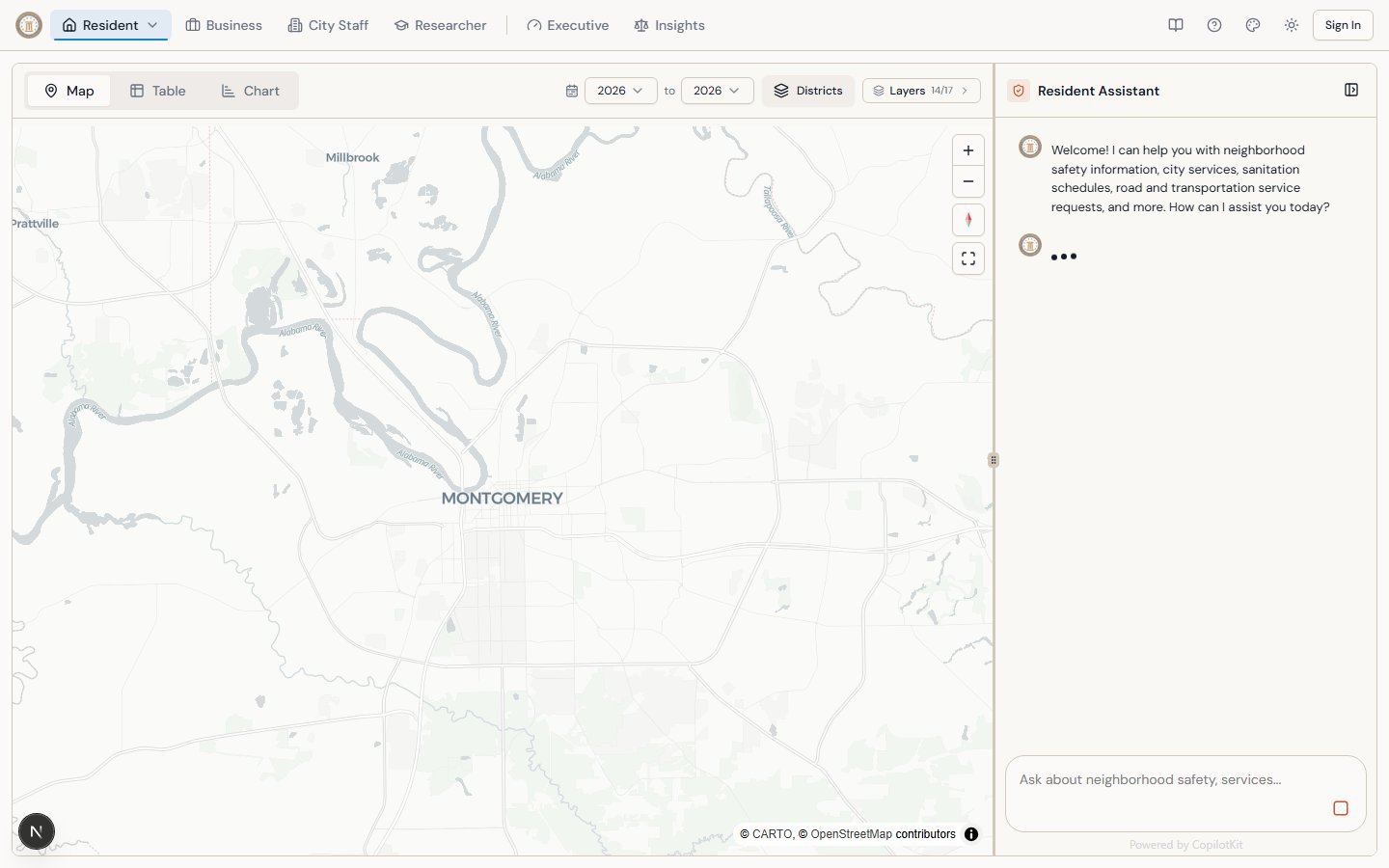
The AI chat assistant in action — querying real city data and controlling the dashboard.
How It Works
Every portal includes an AI chat assistant powered by CopilotKit with an AG-UI agent backed by Anthropic’s Claude. The AI sees the current state of the dashboard (which tab is active, what filters are applied, which data is loaded) and can control UI elements on your behalf. When you ask a question, the AI:- Analyzes your question to determine the best data source
- Reads the dashboard state to understand your current context (active tab, filters, selected data)
- Queries Montgomery’s ArcGIS datasets for structured city data (permits, 311 requests, violations, etc.)
- Searches the web via Bright Data for additional context (news, council meetings, city announcements)
- Synthesizes a response with data citations and practical next steps
- Controls the dashboard — switching tabs, toggling layers, navigating sub-pages, or generating reports when relevant
Two Data Tools
The AI automatically chooses the right tool — or combines both when appropriate. For example, asking “what’s happening with road construction on Eastern Blvd?” triggers both an ArcGIS query for paving project data and a web search for recent news.
Dashboard Control Actions
The AI can control the dashboard UI on your behalf. These actions happen automatically when relevant:Core Actions (All Portals)
Resident Portal Actions
Business Portal Actions
City Staff Portal Actions
Researcher Portal Actions
Executive Portal Actions
Insights Portal Actions
Tips for Better Questions
- Be specific about location — “District 5” or “Eastern Blvd” gets more targeted results than “Montgomery”
- Mention time periods — “in 2024” or “this quarter” helps the AI filter data appropriately
- Ask follow-ups — The AI remembers context within your session
- Request formats — Ask for “a table,” “a summary,” or “an executive briefing” to get structured output
- Combine topics — “Cross-reference 311 complaints with code violations in District 3” works
- Ask for dashboard control — “Show me the equity tab” or “Fly to the Rosa Parks Museum” to navigate visually
Portal-Specific Behavior
Each portal’s AI has a different personality and focus:Limitations
- Not official advice — AI responses are informational, not legal or official government decisions
- Data freshness — ArcGIS data reflects the most recent city upload (usually same-day for active datasets)
- No personal data — The AI cannot access private records or account information
- Session-based — Chat history is maintained during your session but may not persist across visits